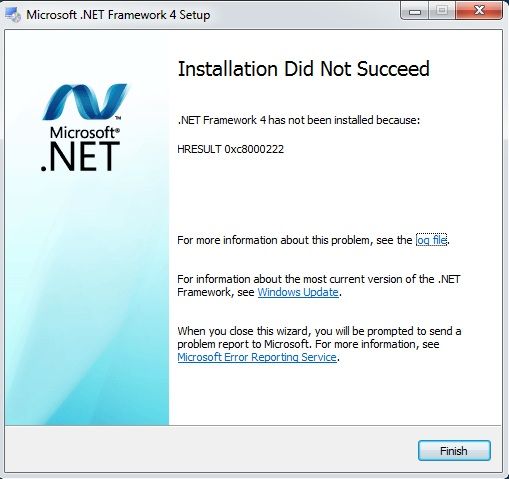
I am having problem installing .NET Framework 4.0 in my wife’s notebook.
[adsense]
After digging Google, I came across the solution:
Download .NET Framework 4 Standalone Installer, before installing .NET Framework 4.0, perform below steps:
- Run command prompt as Administrator
- Type in command “net stop WuAuServ” (disable windows update)
- Go to Run (you can do this by pressing Win + R) and type in “%windir%” (this command let you go to your windows system folder)
- Find the folder “SoftwareDistribution” and rename it as “SDold”
- Then, go back your previous command prompt and run the command “net start WuAuServ”
- Install .NET Framework
Finally, I’m able to install .NET Framework ~~~
[adsense]